
FedEx One Rate
Flat rate boxes, envelopes, paks and tubes
Packaging | Dimensions | FedEx 2Day® |
|---|---|---|
FedEx® Envelope* | 9-1/2" x 12-1/2" | $11.90 |
FedEx® Extra Small Box | 7-1/4" x 2-1/2" x 4-11/16" | $12.50 |
FedEx® Pak* | 10-1/4" x 12-3/4", | $15.25 |
FedEx® Small Box | 10-7/8" x 1-1/2" x 12-3/8" | $18.25 |
FedEx® Medium Box | 11-1/2" x 2-3/8" x 13-1/4" | $22.75 |
FedEx® Large Box | 12-3/8" x 3" x 17-1/2" | $29.95 |
FedEx® Extra Large Box | 11-7/8" x 10-3/4" x 11" | $39.95 |
FedEx® Tube | 6" x 6" x 38" | $39.95 |
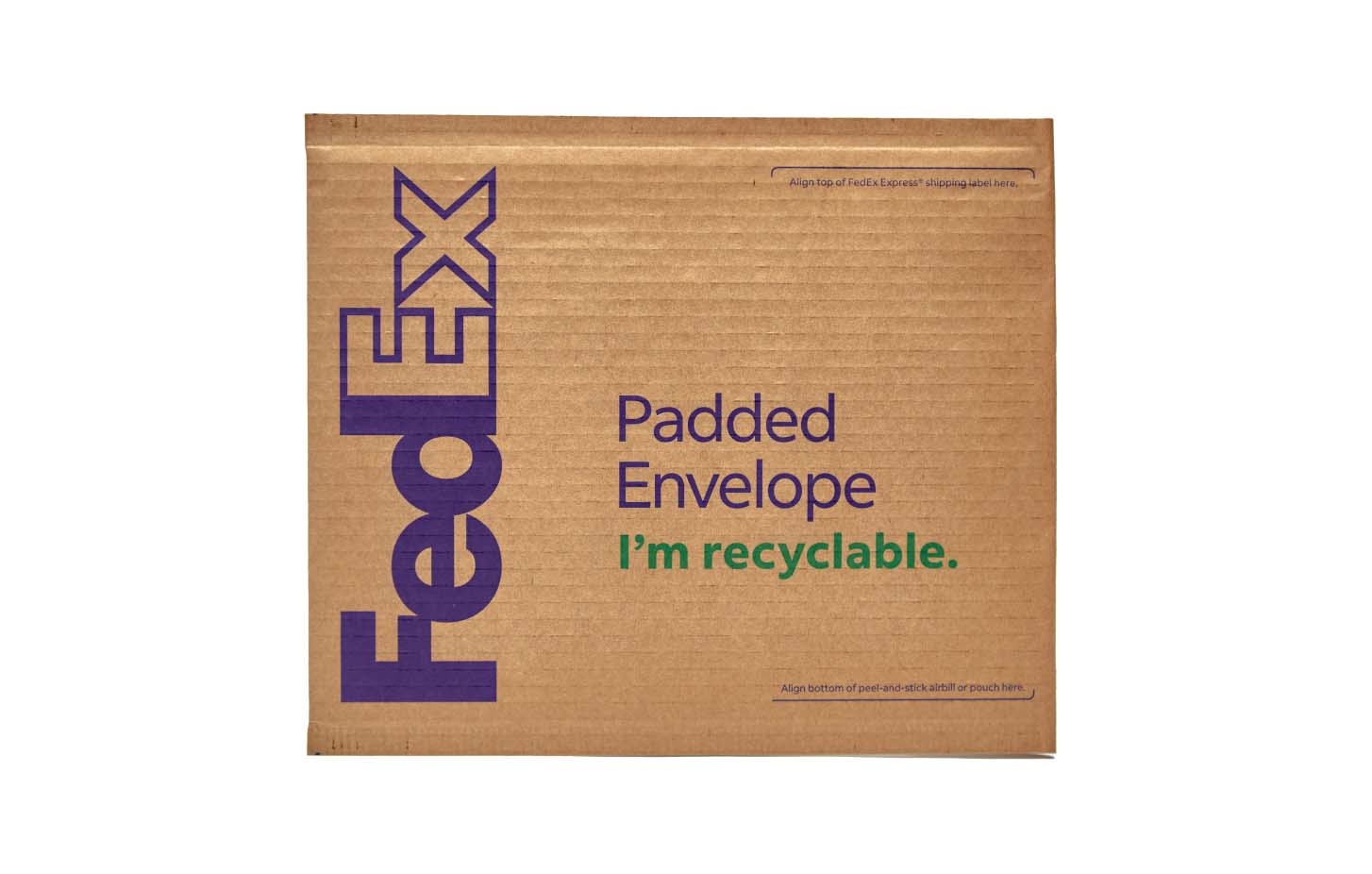
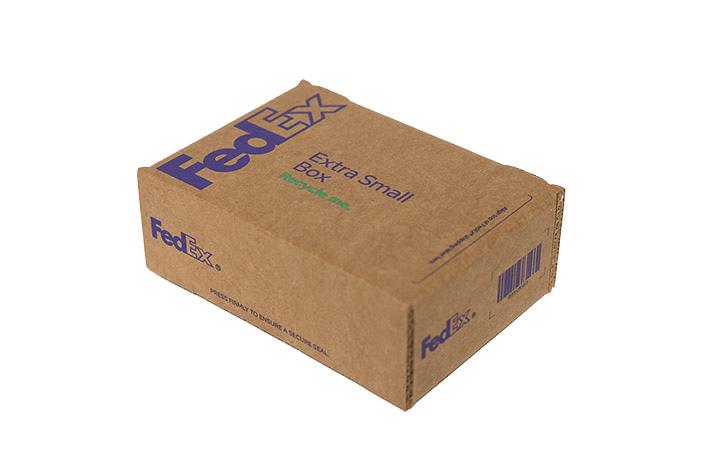
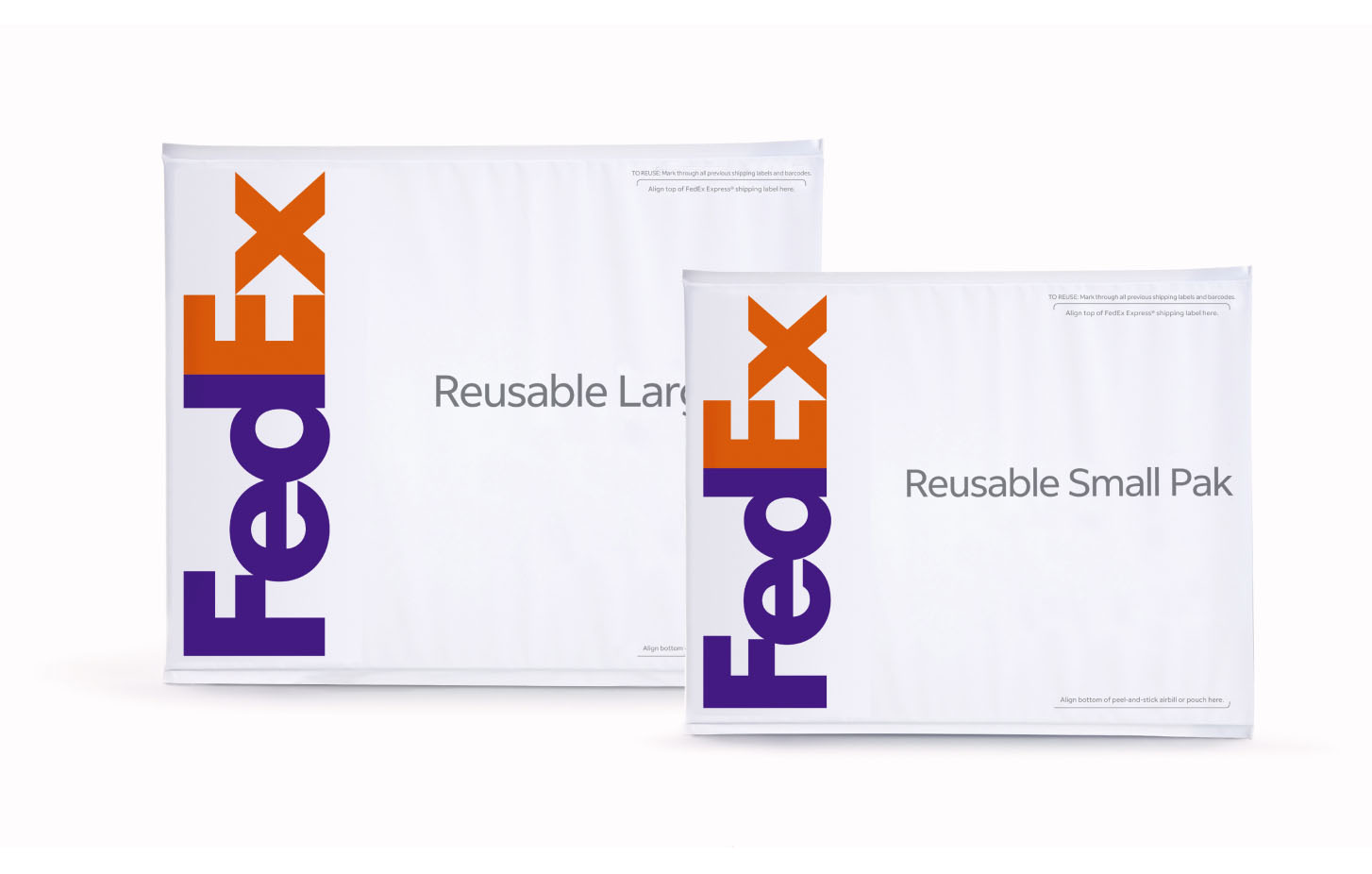
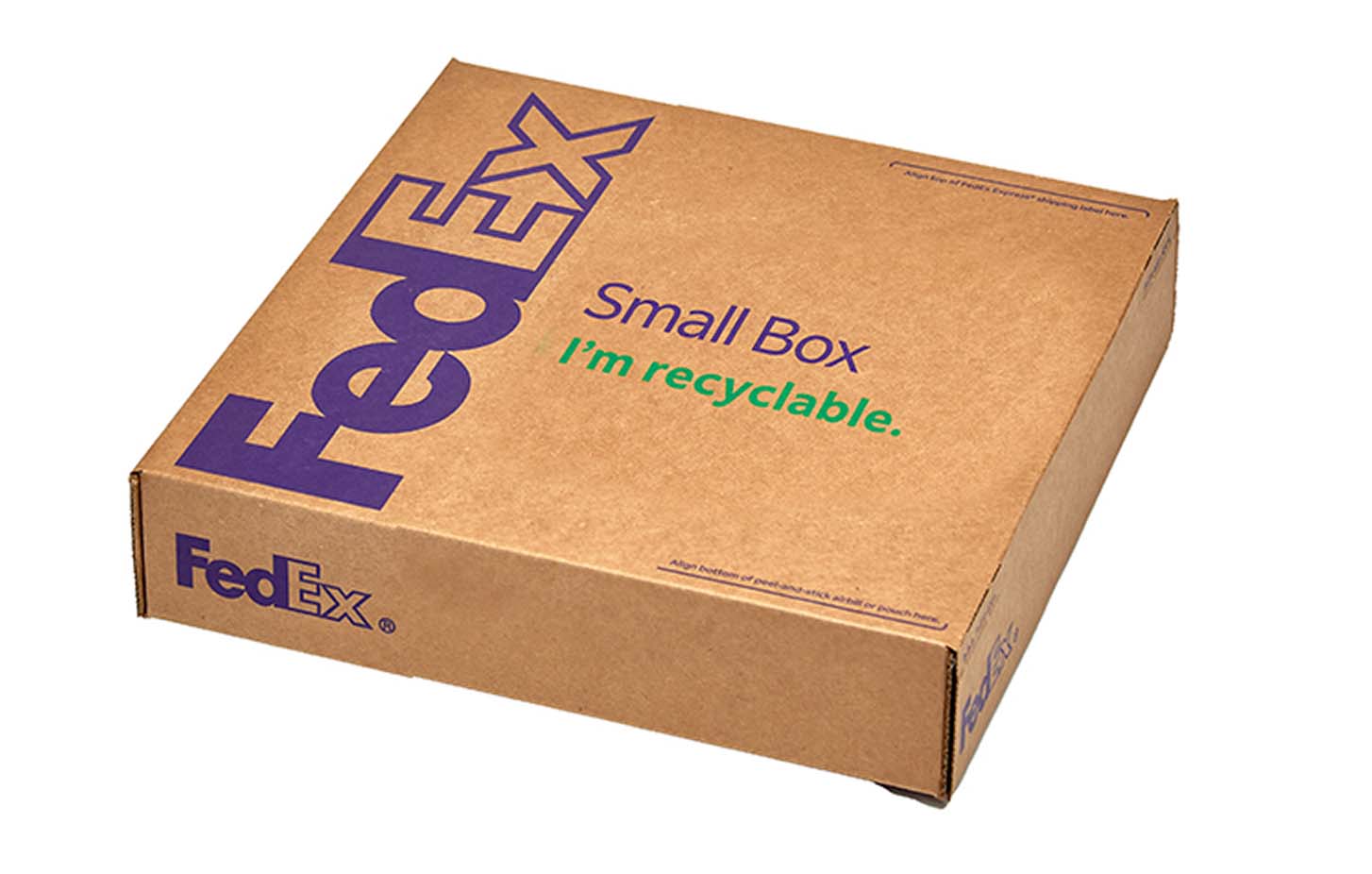
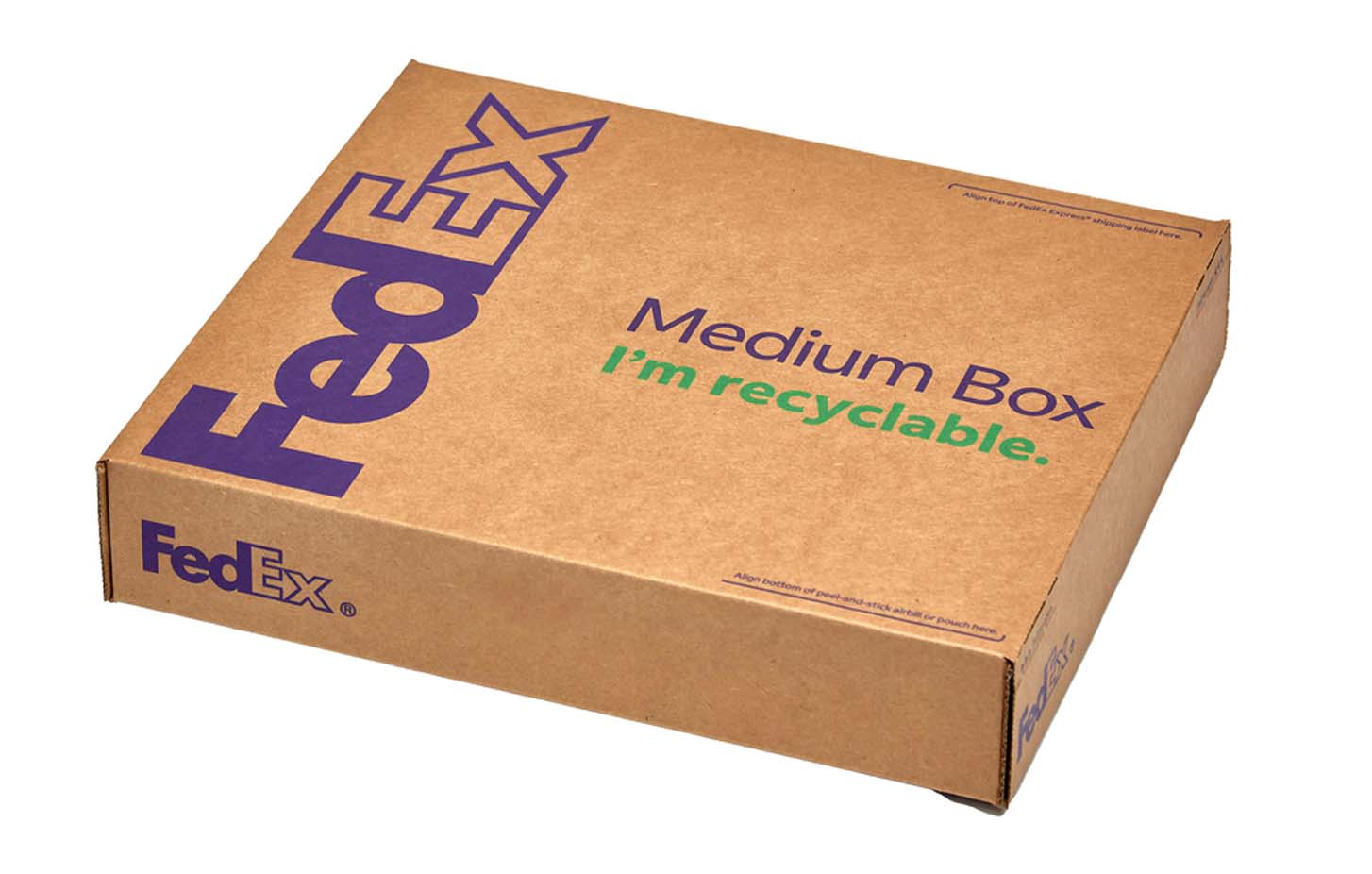
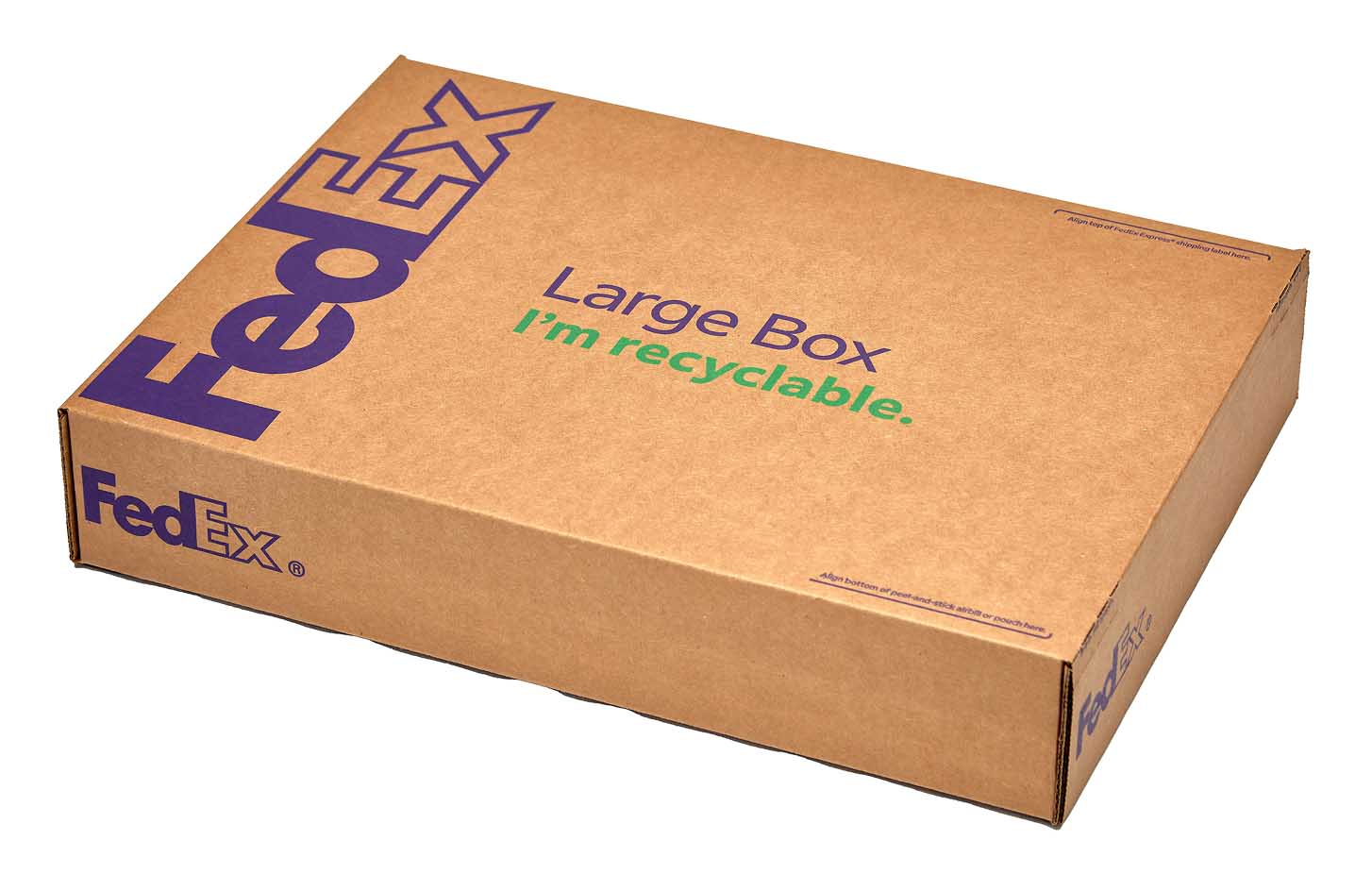
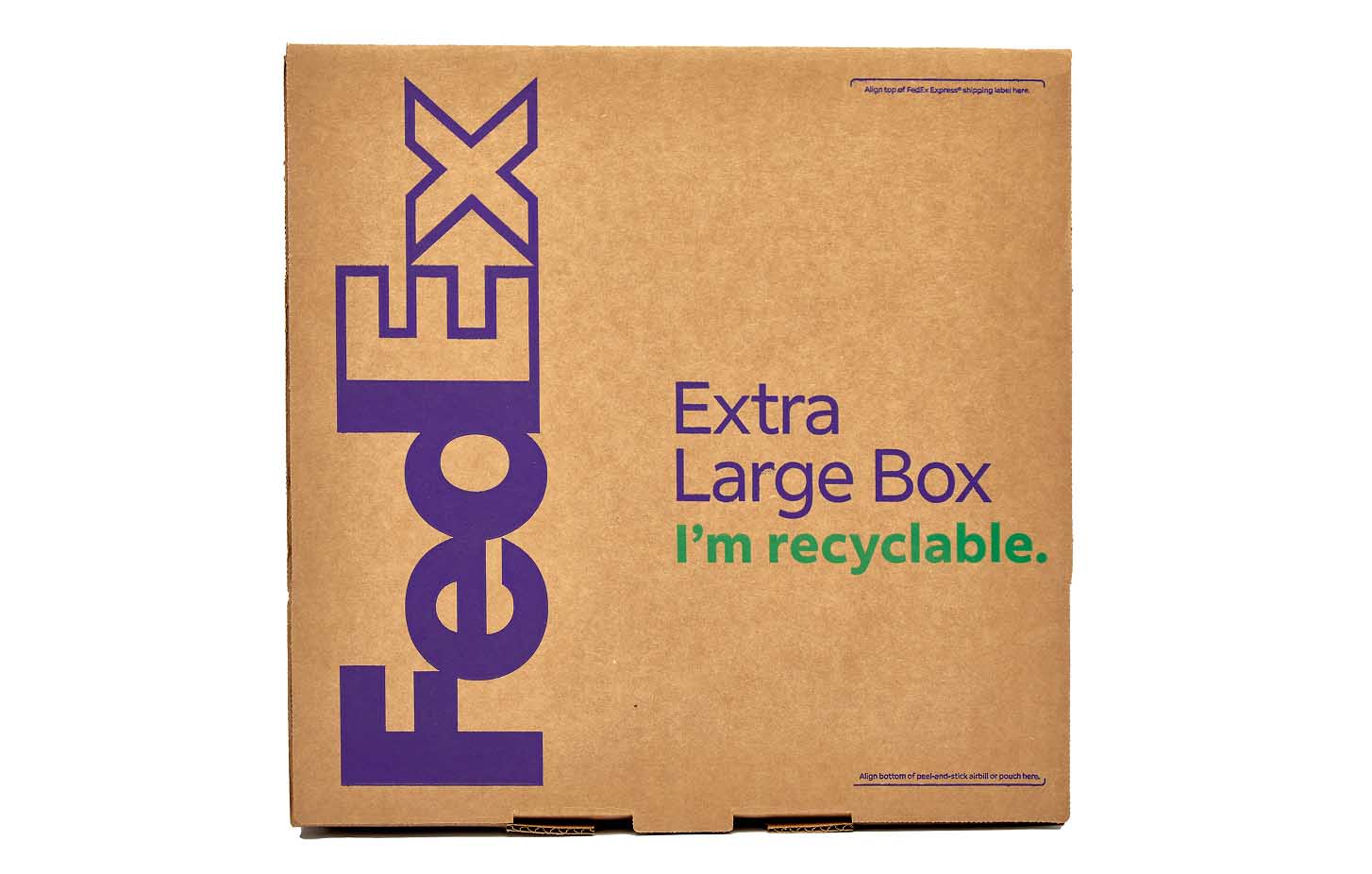
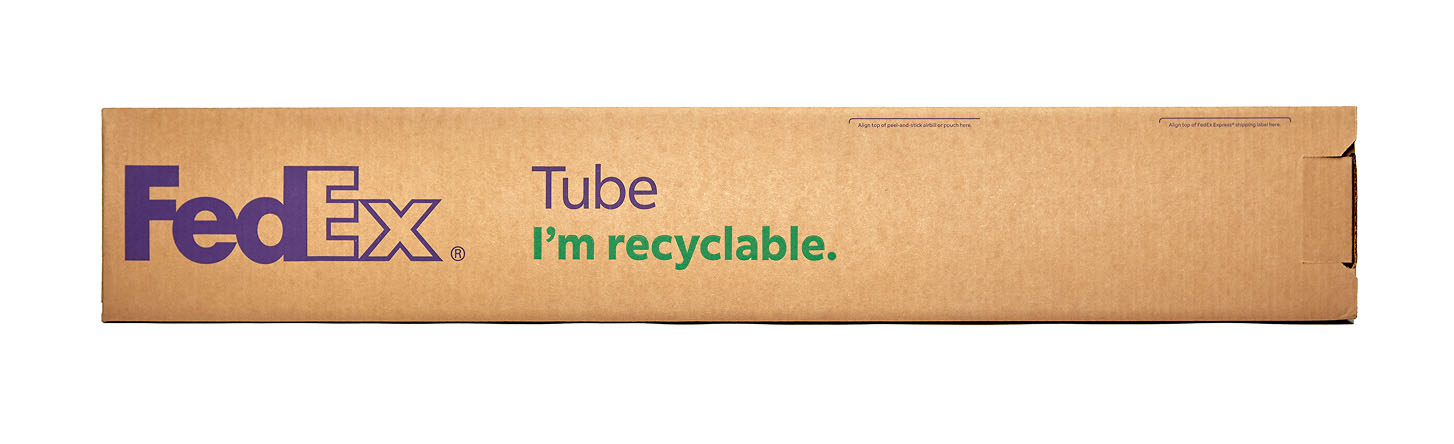
**Any FedEx One Rate Envelope measuring more than 3 inches along its shortest side or any FedEx One Rate Pak measuring more than 5 inches along its shortest side, as determined by FedEx, will be rated as a FedEx One Rate box based on the package's overall cubic volume.
**Additional services like Saturday Delivery and FedEx® Delivery Signature Options are available for additional fees.
Selecting Flat-Rate Packaging in Shipstore

How to select FedEx One Rate in Shipstore
In Shipstore you turn on One Rate pricing by choosing a FedEx flat-rate packaging type, not by picking a service from the service list. That is why you will not find One Rate in the service dropdown.
- Open the shipment or package details and go to Packages > Packaging.
- Choose the FedEx flat-rate packaging you are using (for example Flat Rate Box).
- Rate and process the shipment. One Rate pricing is applied through the flat-rate packaging.
If you would rather have One Rate appear as its own choice in the service list, that is a custom screen change. Email support@shipstore.com to scope it (this is a billable custom build).
Ship One Rate in a batch, and check that it was applied
One Rate pricing needs two things at the same time: an eligible expedited service (for example FedEx 2Day) and one of the FedEx flat-rate boxes, envelopes, paks, or tubes listed above. If either one is missing, the shipment prices by weight instead.
- For a batch, add the packaging (package type) column to your batch layout, and put the flat-rate package value on every row you want at One Rate.
- Rate the shipment or the batch as usual.
- To check that One Rate was applied, rate the shipment again with the packaging set to Customer Packaging. If that rate is much higher than the flat rate, One Rate was in effect the first time. There is no One Rate badge or code on the label, so this comparison is the way to confirm it.
- If the packaging column is not in your batch layout and you cannot add it, email support@shipstore.com with the layout name and the package type you need.